Tasks and hand-offs
Make a task from any message, see Cedar's own tasks and the ones it hands you when it is not sure, and let a reply close a task.
TL;DRAI summary
This chapter shows you how to create tasks to hand off work to teammates or address questions Cedar has. You can manage these tasks in the Tasks section and they automatically close once the work is done.
For: Everyone in Grove
Before you start
Tasks do two jobs: a hand-off to a teammate, and a decision Cedar brings to a person when it is not sure, instead of guessing. A task about a car also goes to the car in Cypress, so the team sees it there too.
Steps
Hold a message (or right-click it) and choose Make a task. The title comes from the message; pick the owner (the people mentioned come first) and a due time. The task stays tied to its thread.
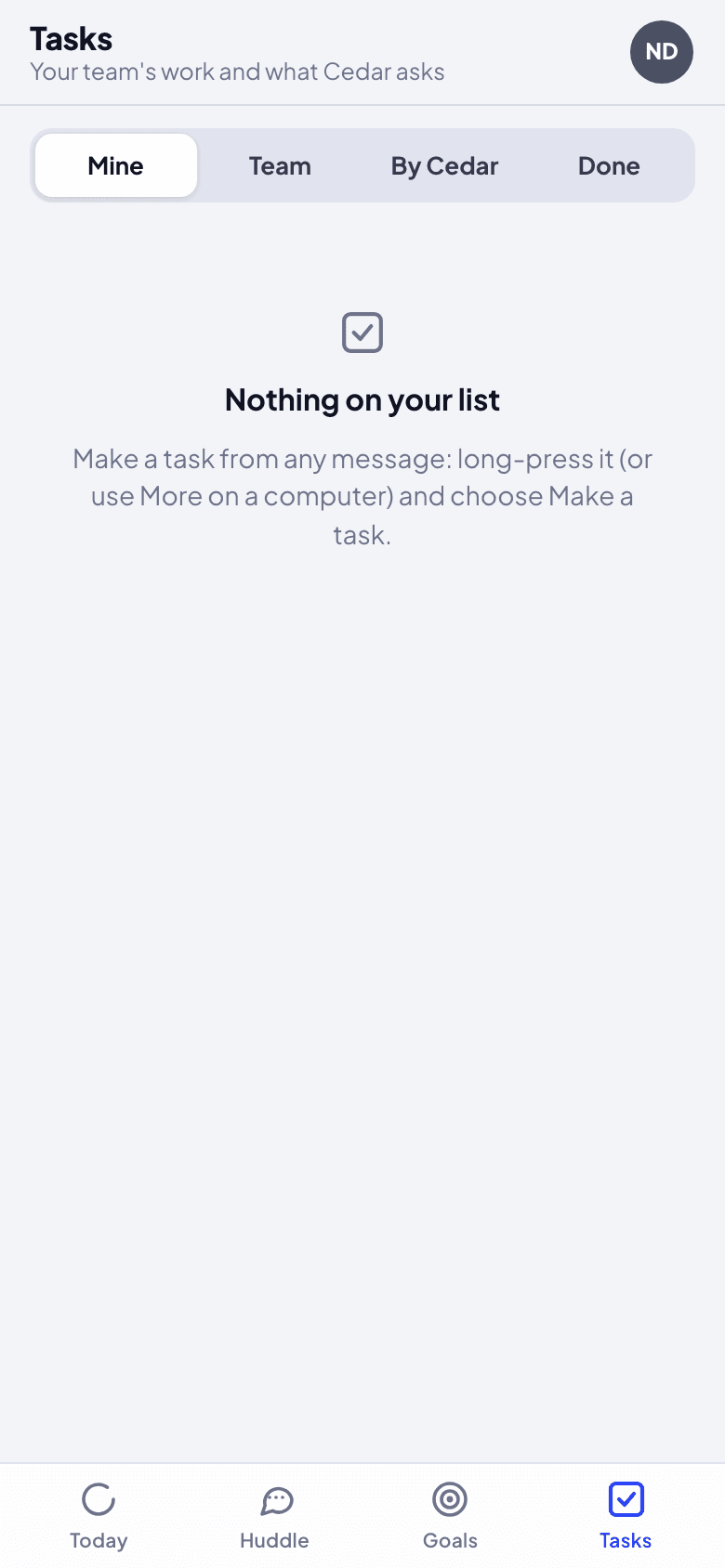
Open Tasks ("Your team's work and what Cedar asks"). Mine is yours, Team everyone's, By Cedar what Cedar is watching itself ("I'll check back when the pickup is confirmed"), Done what is finished.
Finish it in the thread. When the owner replies that it is done ("Pickup confirmed, Marco has the keys"), the task closes and Cedar says what it would do next. You can also mark it done in Tasks, or Open again.
What happens next
Cedar's own tasks close when Cypress shows them done (a step completed, a car live). One still open at its time is handed to a person, with what Cedar knows.
If something goes wrong
- A reply did not close the task. Cedar closes it only when the reply clearly says it is done. Close it in Tasks instead.
- The task did not appear in Cypress. Only tasks about a car go to Cypress, since Cypress keeps tasks on a record.
Follow the quarter's plan
Goals shows the quarter's sell and buy plans as Cypress keeps them: the goal, each month, the next hand-off, and this week's plays made into tasks.
Teach and correct Cedar
Decide how far Cedar goes alone, teach it facts about your organization, see why it said something, and correct an answer so it follows the lesson from then on.