List to the marketplace and channels
Launch an approved vehicle live, choose which surfaces carry it, and mint a private share link.
TL;DRAI summary
This chapter explains how to list your vehicles for sale on different channels, like the public marketplace or your private storefront. Choosing the right channels helps you reach more buyers and track where your offers come from.
For: Sellers (fleet managers, org admins) · Cypress Managers
Before you start
- The vehicle must be APPROVED and complete: a location, mileage, a condition, and a listing price. Launch names exactly which one is missing.
- Public (the Marketplace) and Promotion come with the platform. Direct links and Storefront are opt-in grants — switched on for your org by Cypress. A channel you don't hold fails loudly if you try to use it.
- Launching is one atomic action — the listing, the Offer Rules bands, the default share link, and the team notice all happen together, or none of them do.
Steps
Open the vehicle in Seller Hub and click its Channels tab. Choose which channels carry it — Marketplace and Storefront toggle here; this is the same selector whether the vehicle is about to launch or already live.
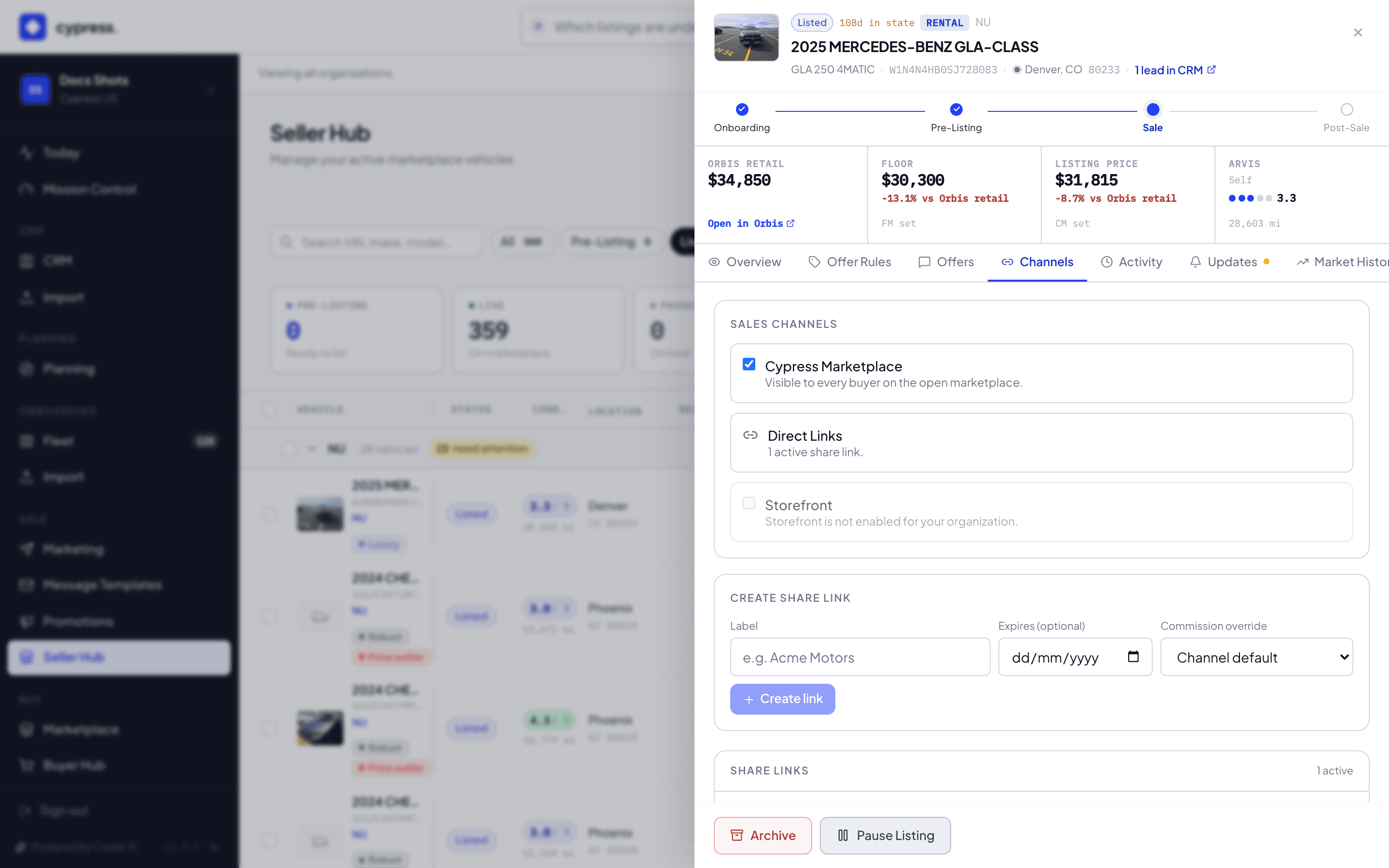
Click Launch in the panel footer. Either everything happens — listing live, bands armed, default link minted, team notified — or nothing does; there's no half-launched vehicle.
To hand one buyer a private link instead, still on the Channels tab, fill in the Create share link form: a Label ("Acme Motors") and an optional Expires date.
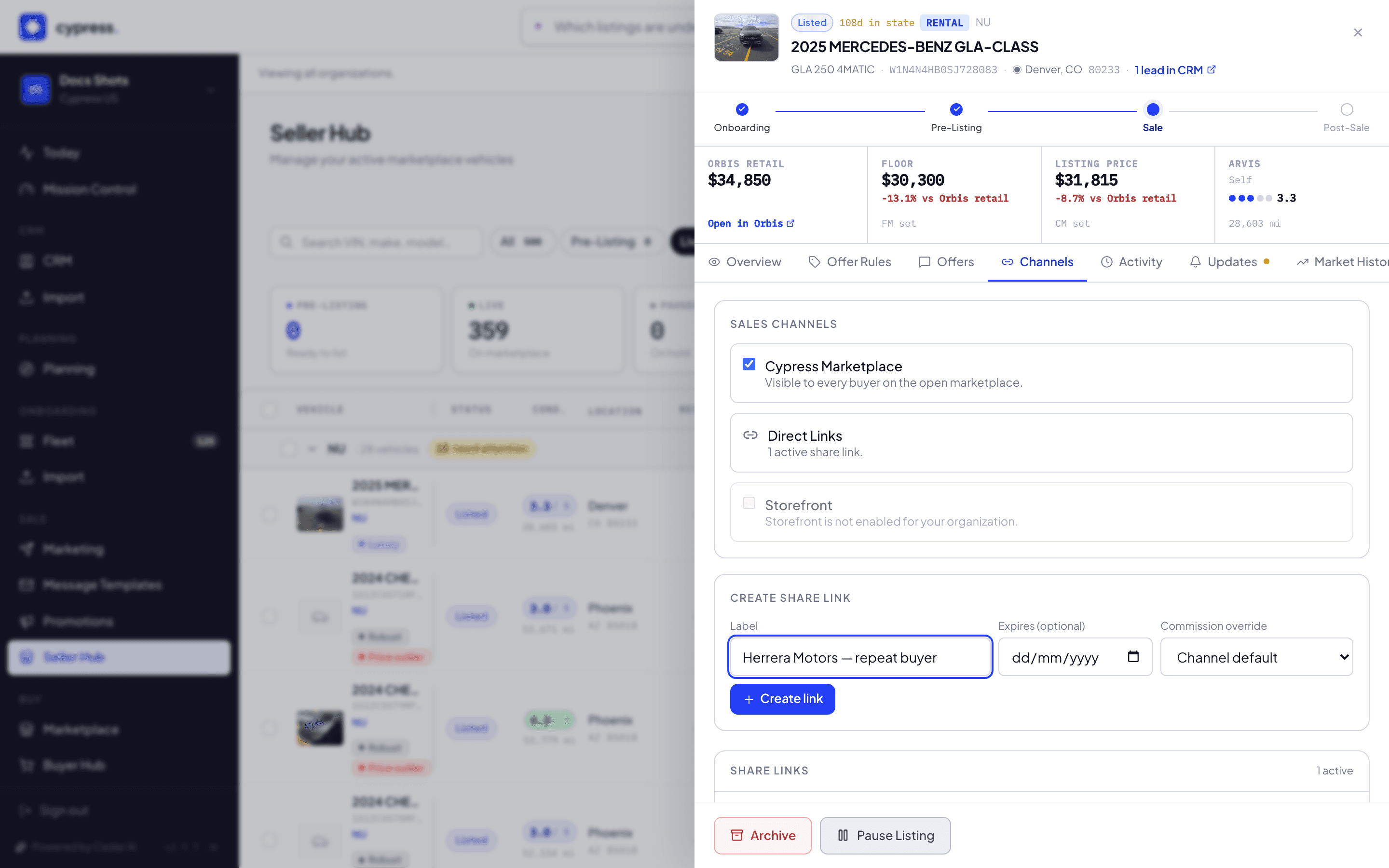
Click Create link, then copy it to send yourself. Revoke it any time from the same table — a revoked link goes dead everywhere, instantly.
To set channels for many vehicles at once, a Cypress Manager can build an automation with the Set sales channels action, by the same rule as the API. See Channels in automations.
What happens next
A vehicle can sell through any door it's listed on — the ask never changes,
only the reach and the fee. Every offer remembers which channel it came
through (channel origin), which is what makes the
channel analytics
and the commission on the invoice honest. Pausing a live listing (from the
panel footer) takes it off market without losing anything; resuming puts it
straight back.
If something goes wrong
- Requesting a channel your org doesn't hold fails loudly, naming the channel — from the app, a CSV, or the API alike.
- "Label is required" — the share-link form needs a label before Create link is enabled.
- Revoking a link asks first, naming the link: "Revoke "Acme Motors"? Buyers on this link will no longer be able to view or offer on this vehicle."
Ask Cedar
- Stuck in pre-listing — "Which vehicles are stuck in pre-listing and need attention?"
- No engagement — "Which listed vehicles have no engagement — no visits, no offers — and risk stalling?"
- How is it doing? — "How is my storefront performing — visits, subscribers, and offers it has produced?"