Offers, counters & Buy Now
Run a live negotiation to acceptance: who decides, optional delegation to Cypress, 48-hour counters, and what unlocks when a deal closes.
TL;DRAI summary
This chapter explains how to manage offers you receive for your vehicles, including who can accept or counter offers and how the Buy Now option works. Understanding this helps you quickly process sales and delegate tasks effectively.
For: Fleet Managers · Cypress Managers — buyers get the same story from their seat
The split that matters here: countering is negotiation and comes with the lifecycle switch; accepting and rejecting are disposal and require the sell switch. With lifecycle alone, Cypress can work a buyer up — but the final yes on a review-range offer is your Fleet Manager's until you enable sell decisions.
Never delegable, under any switch: accepting an offer below your floor price — that decision is always your own Fleet Manager’s.
Everything done under delegation is logged with a Cypress · on behalf badge and notifies your Fleet Managers. Manage the switches in Settings → Organization → Permissions — the full story is in Delegation — Cypress on your behalf.
When an offer lands in the review band, the platform's job ends and yours begins. This chapter is the path from "offer received" to "offer accepted" — including who may say yes, and what the clock does.
Who decides — the Fleet Manager, unless you delegate
Every reviewed offer belongs to the seller's Fleet Manager (or org admin). Maria can accept, counter, or decline any offer in review — and her decision is final and single-signature. If the offer is below the floor, the app shows a Sequoia warning; accepting anyway is allowed and is logged as below floor — waived by FM. That is the floor-consent rule working: nobody else could have said yes.
What Cypress may do alongside her is the organization's call, in Settings → Organization → Permissions:
- Cypress operates our account — the lifecycle switch (onboarding, pricing, listing, due diligence), on by default: this is the managed service most organizations are here for, and it can be turned off to keep everything in your own team's hands. On its own it lets Cypress counter and negotiate offers for you, but not accept or reject them.
- Let Cypress decide offers in the review range — off by default: your Cypress Manager may accept or reject offers that land between your floor and target price. Offers below the floor still require your own Fleet Manager, always — delegation never covers them.
Everything Cypress does under delegation is recorded in your activity feeds with a Cypress · on behalf badge, and your Fleet Managers are notified of each decision the moment it is made.
Countering
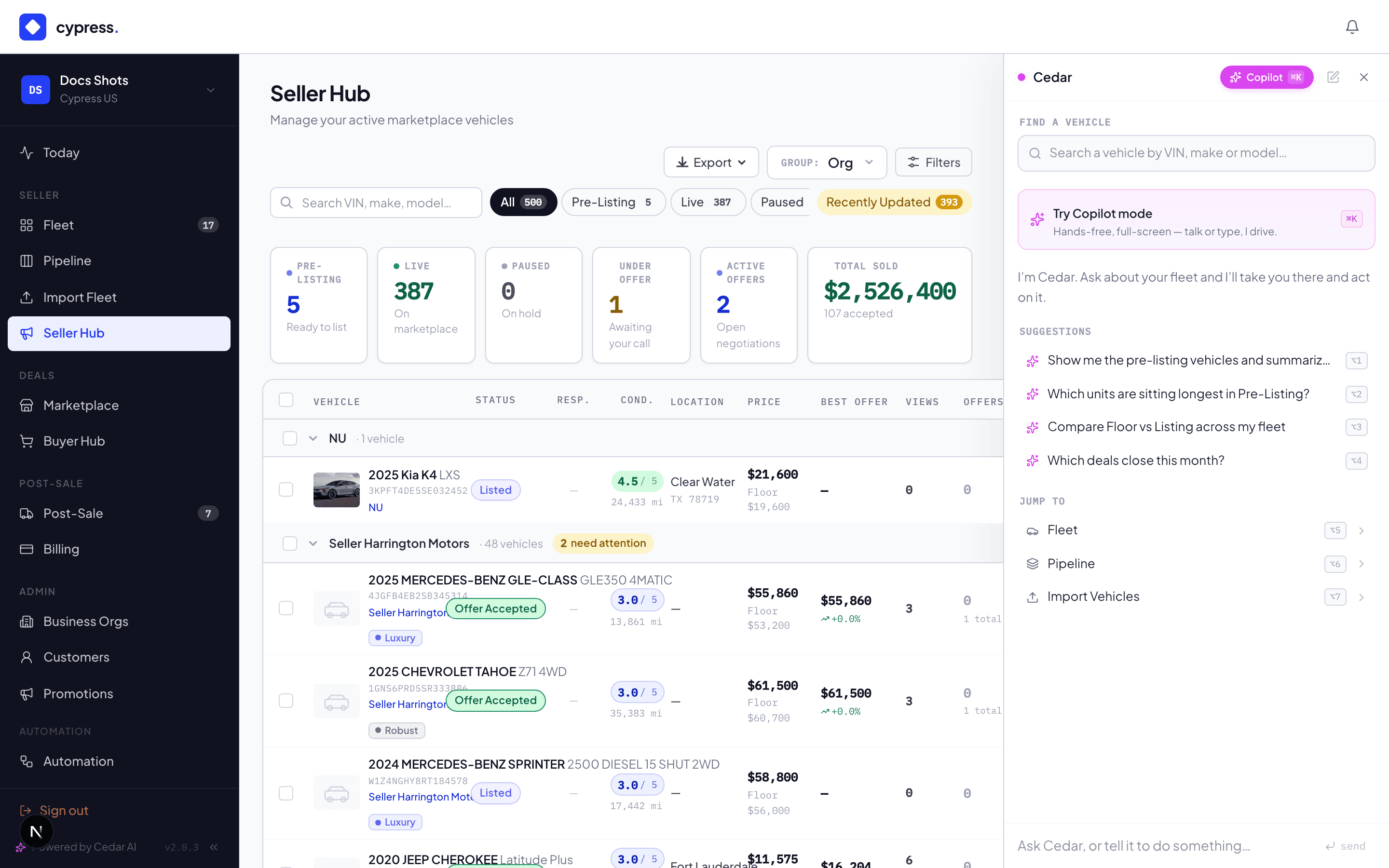
The Fleet Manager can always counter instead of accepting or declining — and so can Cypress, when either delegation switch is on. A counter starts a 48-hour clock:
- The buyer sees the counter amount (plus your note, if you add one) and can accept, counter back (which resets the thread to a fresh offer at the new amount), or withdraw.
- If the clock runs out while the counter stands, the offer expires — and if no other active offers remain, the vehicle quietly returns from Under Offer to live.
Offers from leads without accounts
Not every offer arrives from a logged-in buyer. A lead who opens your campaign email can offer straight from the public page with nothing but a name, an email and a number — an express offer. It lands in the same list and the same decision panel, marked with an Express · email unverified chip until the lead confirms their mailbox, and gets its own section in Mission Control. You decide it exactly as any other offer; the one difference is that auction rules never auto-accept one.
Buy Now
Buy Now skips the negotiation entirely. The buyer transacts at the listing price; the offer is created already-accepted with both approvals recorded, every other open offer is declined with "Vehicle sold to another buyer", and the closing opens. Setting a listing price is consent to sell at it — that's why no review happens.
What Sakura recommends here
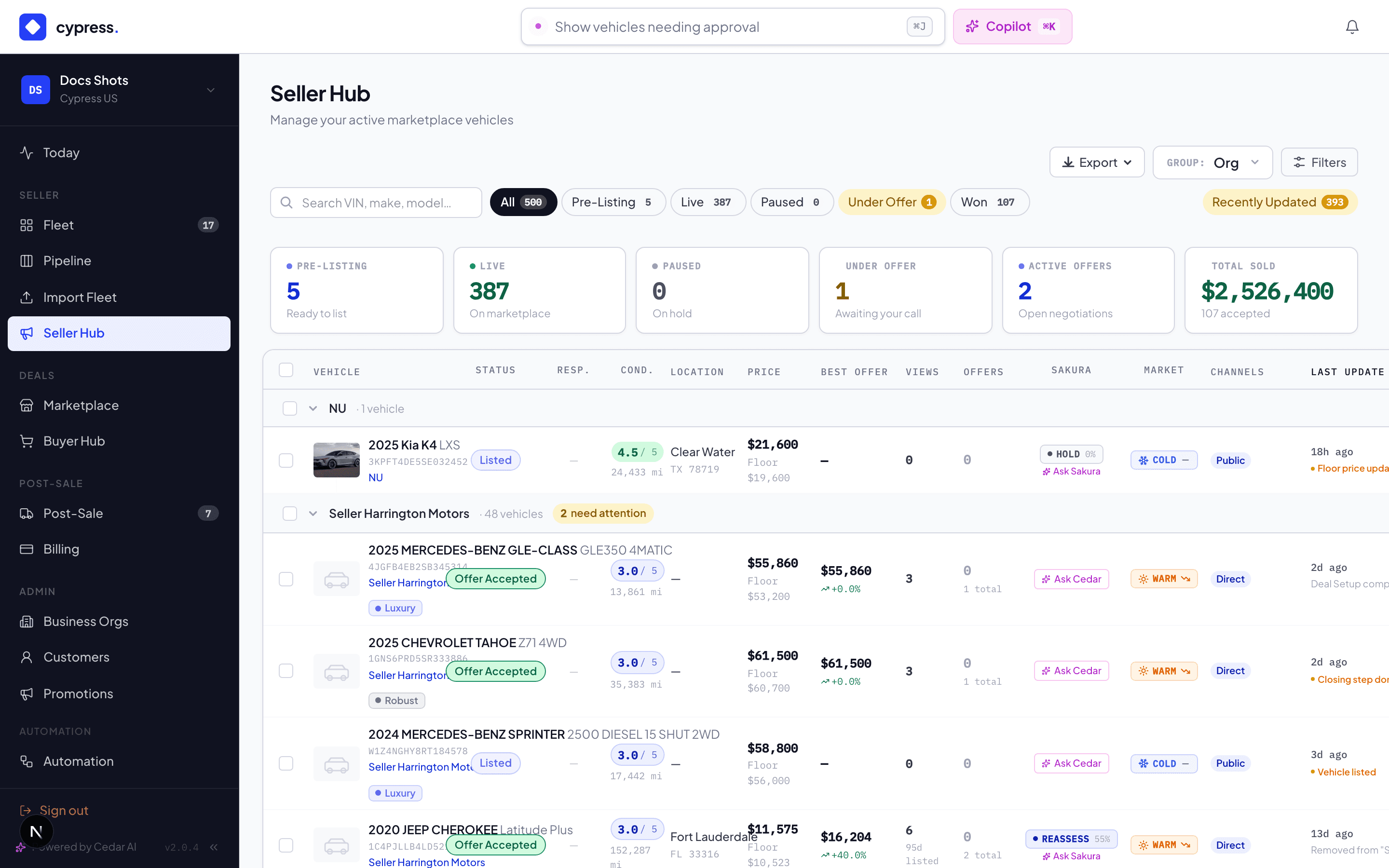
Negotiation is Sakura's home turf, surfaced through Cedar: on an open offer, "draft a fair counter" returns a number with the reasoning — distance from floor and ask, the vehicle's temperature, comparable clearing prices — yours to send, adjust, or ignore. The seller panel's recommendation strip runs on the same read (the Sequoia Pick chip marks the strongest open offer). And when you accept below floor, the warning you're waiving is Sequoia's, stated before the consent is logged.
Declining well
Declining offers an optional reason (Too low · Unrealistic · Sold elsewhere · Buyer not qualified · Other) and a silent option that records the decision without notifying the buyer — the audit line says silent — buyer not notified. Use it for spam, not for negotiation.
Offers in automations
Every offer remembers the channel it came through, and the Offers tab shows it
as a badge: Public, Promotion, Direct (a share link, which the badge
never shows) or Storefront. A Cypress Manager can build an automation that acts on
it: Offer Received and Offer Accepted each take an optional Came
through list, so an automation can run for Storefront offers only, and an automation can
write the channel into a notification with {{offer.channel}}. See
Channels in automations.
Offer Accepted runs for every accepted deal, however it was accepted:
- the Fleet Manager, or Cypress on the organization's behalf, accepts the offer;
- the vehicle's auction rules accept it as it arrives;
- a buyer uses Buy Now;
- a buyer accepts your counter;
- a Cypress Manager approves a price change and accepts an offer that now qualifies.
An automation runs once per offer, with the amount the deal was accepted at and the
channel, whichever way it came in. Before release 3.4.0 only the first of these
ran automations. A partner's endpoint hears of the same five as OFFERS.ACCEPTED; see
Webhooks.
Worked example
Dan (Birchwood Logistics) offers $28,200 on the Transit — review band, below floor. Maria's org has delegated review-range decisions to Cypress, so Alex (her Cypress Manager) counters at $30,000 with "recent service records included." The 48-hour clock starts. Dan counters back at $29,200 — the thread resets as a fresh offer at that amount, still below Maria's $29,000? No: $29,200 clears the floor. That puts it inside the review range Alex may decide: he accepts. The activity feed logs the acceptance with a Cypress · on behalf badge, Maria is notified, every other open offer on the Transit is declined automatically, and the closing opens with $29,200 as the sale price. Had Dan stood firm at $28,200, only Maria could have accepted it — below the floor, Alex's only moves are countering or declining… and declining below floor isn't his either; the offer would simply have waited for her.
Seller terms
If your organization has published seller terms, buyers must accept them before offering, buying, re-offering or accepting a counter. The accepted version appears on the offer in your panel.
Business rules
- Accepting is binding: it declines every other open offer on the vehicle and starts the closing. There is no "accepted, but…".
- Only offers in states new, reviewed, or countered can be acted on — anything else answers "this offer has already been resolved."
- Withdrawn and expired offers keep their history; the vehicle's Activity tab shows the whole thread.
- An offer's commission was snapshotted when it was created — accepting never re-prices the fee. See Sales channels & commissions.
Under the hood
Offer state machines, band processing, and the delegation rules live in
one service path, so the marketplace, storefronts, direct links, Cedar,
and the API all negotiate identically — the same consent checks apply no
matter which door the action comes through. Integrators receive every
outcome as OFFERS.* webhooks — catalog in the
developer docs.